Journal · By Anas · Updated August 21, 2026 · 7 min read
How to Use ChatGPT for Interior Design (2026 Guide)
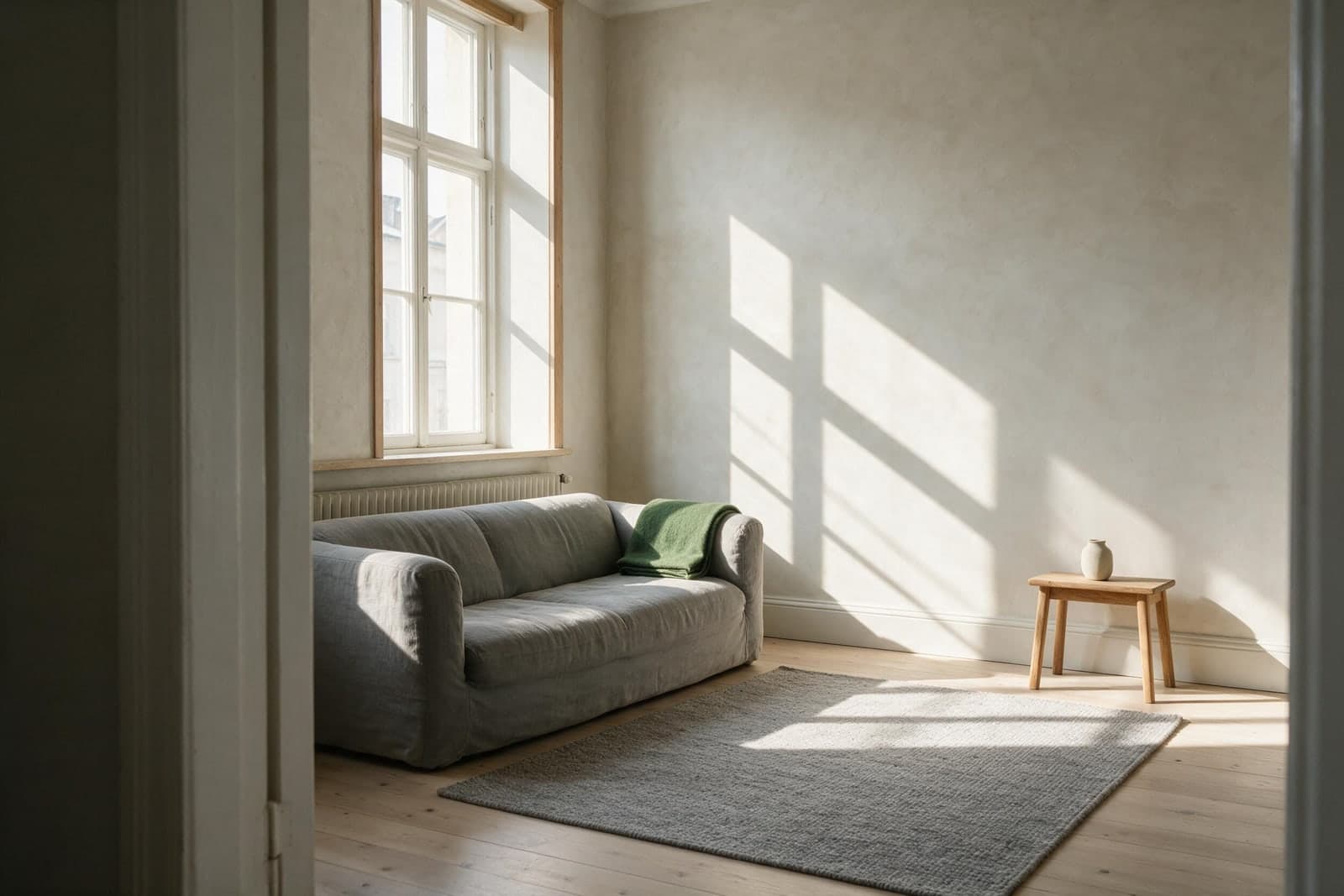
Most guides about using ChatGPT for interior design hand you one “magic prompt” and promise your dream room. Then you paste it in, and ChatGPT gives you a gorgeous room that looks nothing like yours — a different sofa, the wrong windows, furniture you’ll never be able to buy.
So here’s the honest version. Below are the prompts that actually get useful results, exactly where ChatGPT falls apart for room design, and the shortcut if you just want to see your room looking calmer without becoming a part-time prompt engineer.
Can ChatGPT do interior design?
Short answer: yes for ideas, sort of for pictures. Is ChatGPT good for interior design? For the thinking part — brainstorming a style, building a color palette, suggesting a furniture layout, writing a shopping list to a budget — it’s excellent, like a patient designer on call who never sighs at your questions.
Where it gets shaky is the seeing part. It can generate a room image, but it invents a brand-new room rather than editing yours, and the free plan caps you at a few images a day. More on that shortly — but first, which model to use.
Which ChatGPT model is best for interior design?
Use the newest model with vision and image generation — the current default that can both see a photo you upload and generate an image back. That combination is the whole point: older text-only models can advise, but they can’t look at your actual room. The free tier is fine for advice plus a few images a day; the paid plan (around $20/month) lifts the image limits if you’re iterating a lot. Just know that even the best model still redraws your room instead of editing it — which brings us to the catch.
How to use ChatGPT for interior design, step by step
- ·Give it your room, not a vibe. Type the room type, rough dimensions, which way the windows face, and what furniture you’re keeping. “Small north-facing living room, grey sofa staying, wood floor” beats “make my room nice” every time.
- ·Name a style and a feeling. Pick a style (Scandinavian, Japandi, warm minimalist) and describe how you want it to feel (calm, cozy, bright). Feeling matters as much as style.
- ·Ask for one thing at a time. Ideas first, then palette, then layout, then a shopping list. Piling it all into one prompt gives you mush.
- ·Iterate in plain English: “make it cozier,” “cheaper,” “less cluttered.” ChatGPT remembers the conversation, so you refine instead of starting over.
- ·Then see it. Upload a photo and ask it to visualize — knowing the limits we’ll cover next.
The best ChatGPT interior design prompts (copy-paste)
Swap the bracketed bits for your details.
For ideas: “You’re my interior designer. My [living room] is [3.5m x 4m], [north-facing, one window], with a [grey linen sofa] and [oak floor] I’m keeping. I want it to feel [calm and cozy] in a [warm minimalist] style. Give me 5 specific ideas — no generic advice.”
For a color palette: “Build me a 5-color palette for a [warm, calm] [living room] that works with a [grey sofa] and [oak floor]. Give hex codes and tell me where to use each color — walls, textiles, accents.”
For a furniture layout: “My [living room] is [3.5m x 4m], door on the [south wall], window on the [north]. I have a [3-seat sofa, armchair, TV, coffee table]. Suggest 2 layouts that make it feel bigger and calmer, and explain why.”
For a shopping list on a budget: “Give me a shopping list to make this room feel [cozy and put-together] for under [$300]. Real product types, rough prices, and the order to buy them in for the biggest impact first.”
To redesign from a photo: “Here’s a photo of my [living room]. Keep the layout and the [sofa], but restyle it to feel [calm and cozy] in a [Japandi] style. Tell me exactly what to change.”
To make a room feel calmer: “Look at this room. Tell me the top 5 reasons it feels [cluttered/cold], ranked, and the single cheapest fix for each.”
That last one is worth its weight — most rooms don’t need more stuff, they need a few things removed and the light fixed.
Not sure which style you actually want? Start with the calm-meets-warm one everyone’s asking about.
Read: What Is Japandi Style? →Can ChatGPT redesign my room from a photo?
Kind of. You can upload a photo and ask it to reimagine the space, and it’ll produce something pretty. But there are two catches worth knowing before you get attached to the result.
First, it tends to redraw your whole room — new proportions, new windows, a sofa that isn’t yours — so what you get is inspiration, not your room, changed. Second, the furniture is imaginary: you can’t click it, price it, or buy it. For a mood board, that’s fine. For actually planning what to do with the room you’re sitting in, it’s frustrating.
Where ChatGPT falls short for interior design
The honest limitations, since most guides skip them:
- ·It reinvents your room instead of editing it. You wanted your space, calmer. You got a different space entirely.
- ·The furniture isn’t real — beautiful, but unbuyable.
- ·You’re limited on images. The free plan gives you only a few generations a day; heavy use needs the paid plan.
- ·It rewards prompt skill. Vague prompt, generic room. You end up learning to prompt instead of decorating.
- ·It’s inconsistent. Run the same prompt twice, get two different rooms — hard to build a plan on.
None of this makes ChatGPT useless — it’s a brilliant idea machine. It’s just not built to answer the question most people actually have: what would my room look like if I fixed it, and what do I change?
A faster way: see your actual room, calmer
This is the gap we built RoomCalm to fill. You upload one photo, say how you want the room to feel, and it shows you your room — same layout, your real furniture — restyled and calmer, plus what's holding it back and the first thing to change. No prompt-writing, no daily image cap, no imaginary sofas. Your first redesign is free, and there’s no login to get it — so it’s genuinely faster to just try it on your room than to talk ChatGPT into a decent result.
Tempted to just hire a pro? Here's what an interior designer actually charges in 2026 — and the $9 shortcut.
What a real designer costs →See your room made calm, with your own things — upload a photo, get it restyled plus the first thing to change. Free, no signup.
Try RoomCalm free →ChatGPT vs a purpose-built tool: which should you use?
Use ChatGPT when you want to brainstorm, build a palette, or write a shopping list — the thinking work. Use a purpose-built tool like RoomCalm when you want to see your actual room redesigned and learn what's holding it back. Honestly, the best workflow is both: RoomCalm for the picture and the first fix, ChatGPT to sanity-check your shopping list.
Want your living room specifically to feel warmer and more inviting? Here are ten simple ways.
Read: How to Make a Living Room Cozy →Frequently asked questions
Is ChatGPT good for interior design? Yes for ideas, palettes and layouts; less so for seeing your real room changed. Pair it with a photo-based tool for the visual.
Can ChatGPT help with interior design? Absolutely — treat it as a design consultant. Describe your room and ask for specific, ranked suggestions rather than one big vague question.
Does ChatGPT do interior design automatically? No — it responds to what you ask, and the quality tracks your prompt. Vague in, generic out.
How does ChatGPT work for interior design? It reads your description or photo, then generates advice or an image from patterns across millions of design examples. It’s guessing what looks right, not measuring your actual room.
Is there a free way to use ChatGPT for interior design? Yes — the free plan handles ideas, palettes and layouts easily, and gives you a few image generations a day. For your actual room, RoomCalm’s first redesign is free with no login.
Prefer to skip the prompting entirely? See the free, no-login way to redesign your actual room.
Try free AI room design (no login) →Quick answers
Why does ChatGPT give me a room that looks nothing like mine?
ChatGPT gives you a room that looks nothing like yours because it generates a new room from your photo instead of editing the one you uploaded. New proportions, different windows and a sofa you don't own are common, so the result is inspiration rather than your room, changed. If you want your actual layout and furniture kept, you need a tool built to do that.
What should I include in a ChatGPT interior design prompt?
Include the room type, rough dimensions, which way the windows face, the furniture you're keeping, a named style and the feeling you want. A prompt like 'small north-facing living room, grey sofa staying, wood floor' gets specific ideas, while 'make my room nice' gets generic ones. Then ask for one thing at a time: ideas, then palette, then layout, then a shopping list.
Can I buy the furniture ChatGPT puts in a room image?
No, the furniture in a ChatGPT room image is imaginary, so you can't click it, price it or buy it. That's fine for a mood board and frustrating for planning a real purchase. For a shopping list, ask ChatGPT in text for real product types with rough prices and the order to buy them in, then check what it suggests against actual shops.
Do I need ChatGPT Plus to use it for interior design?
You don't need ChatGPT Plus for interior design advice; the free plan handles ideas, palettes, layouts and shopping lists and gives you a few image generations a day. The paid plan, around $20/month, lifts the image limits if you're iterating a lot. Either way you want a model with vision and image generation so it can see your photo, and even the paid tier still redraws your room rather than editing it.
Why do I get a different room every time I run the same prompt?
Running the same interior design prompt twice in ChatGPT often returns two different rooms, which makes it hard to build a plan on. The workaround is to pin down what you can in words: dimensions, the furniture staying, a named style and a feeling. Then refine inside one conversation with 'cozier' or 'cheaper' rather than starting fresh.