Journal · By Anas · Updated August 21, 2026 · 9 min read
RoomCalm vs RoomGPT (2026): Honest Comparison
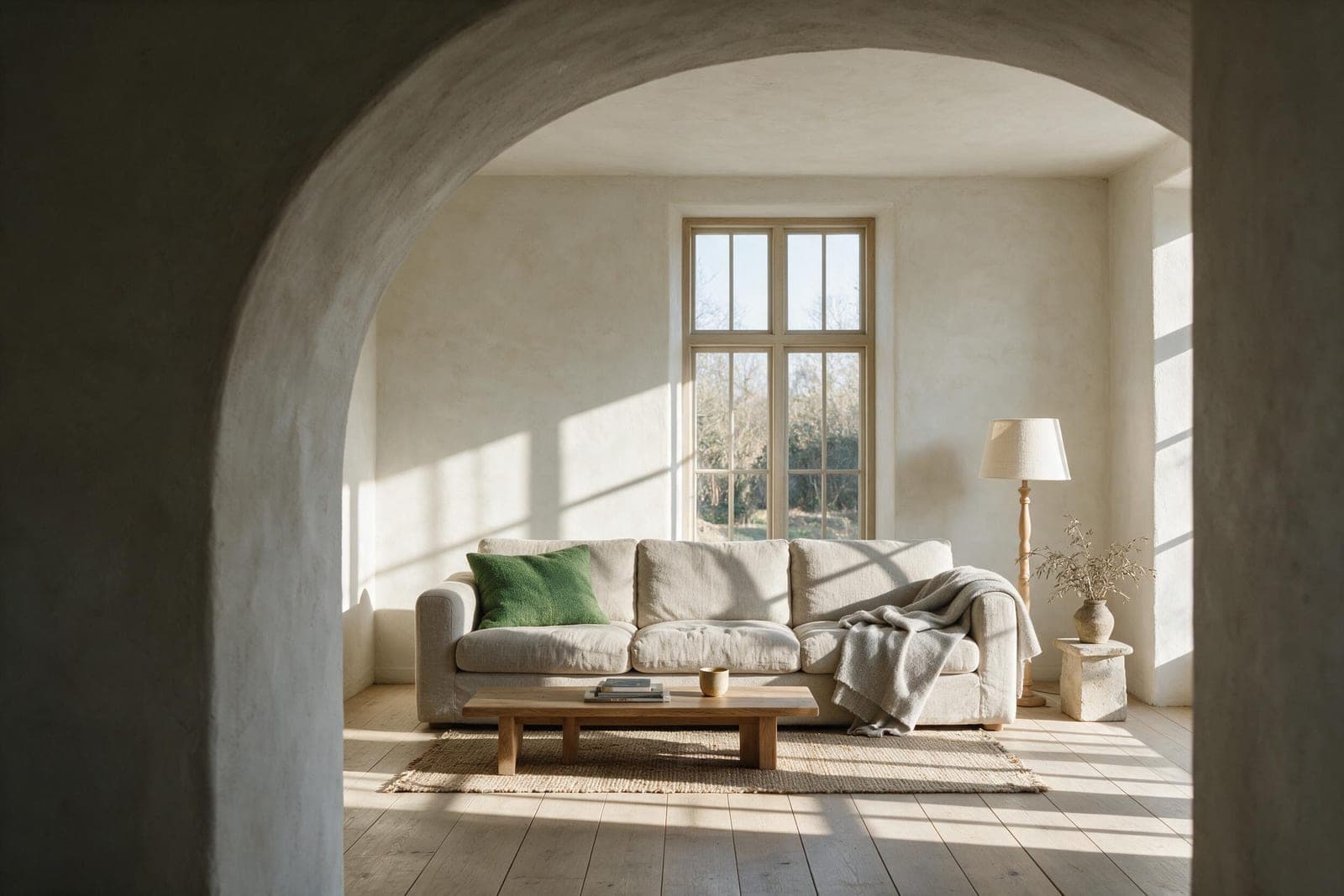
On the surface, RoomCalm and RoomGPT do the same thing: you upload a photo of your room, pick a style, and an AI hands you back a redesigned version. So people assume it comes down to price or which name they saw first. It doesn't. There's one difference underneath the two that quietly decides whether the result is actually useful to you — and almost nobody points it out before you've already spent your free credits.
So let's be straight about it. Full disclosure first: we build RoomCalm, so you'd expect us to be biased — which is exactly why this piece names the things RoomGPT genuinely does better, and the jobs where it's the smarter pick. If you finish reading and RoomGPT is right for you, good. You'll at least know why.
The 30-second answer
If you want fast, cheap “what if” inspiration and you don't mind that the AI redraws the whole room from scratch — RoomGPT. If you want to see your actual room, with your actual furniture, restyled into something calmer, plus what's holding it back and the first thing to change — RoomCalm. Speed and imagination lean one way; realism and a usable plan lean the other.
The one difference that decides it: reinvent vs restyle
Here's the thing most comparisons skip. When you feed RoomGPT a photo, it treats it as a rough starting point and generates a brand-new room in the style you chose. It looks impressive — but the furniture in the result is AI-imagined, the layout often shifts, and the space you get back isn't really your space anymore. It's a mood board that happened to start from your window.
RoomCalm works the opposite way round. It's built to keep your actual room — the layout, the light, the pieces you already own — and restyle around them, adding and swapping only what earns its place. The result still looks like the room you'll walk into tonight, which is the whole point: you're not trying to admire a fantasy, you're trying to change the real thing.
Why does that matter so much? Because a redesign you can't act on is just a pretty picture. If the sofa in the render doesn't exist and the walls moved, you've got inspiration but no instructions. If the redesign is your real room with three specific changes, you've got a to-do list. That gap — inspiration versus instructions — is the entire decision in one line.
Is RoomGPT free?
Partly. RoomGPT typically offers a small number of free generations to try it, then moves you onto paid credits or a subscription for anything beyond that — and its pricing has changed more than once, so check the current page before you count on a number. It started life as an open-source project, which is why you'll also find self-hosted clones floating around of varying quality.
RoomCalm's free tier works differently: your first full redesign of your own room is free with no login and no sign-up — you see the actual result on your actual room before you're ever asked for anything. The philosophy is simple: you should be able to judge the thing on your own space before deciding it's worth paying for.
Do you get a plan, or just a picture?
This is where the two really split. RoomGPT gives you the image — the redesigned look — and that's the product. What to actually do next is left to you to reverse-engineer from a room full of furniture you can't click on.
RoomCalm gives you the image and a starting point: a short, plain-English note on what's holding the room back, why the chosen style fits, and the first change to make. And because the redesign keeps your real room, the pieces you're shown are the ones placed in your result — thumbnails cropped from your own redesign, with an estimated total — not random products from a generic catalogue. You see the piece in your room before you spend a cent. The paid Room Plan (from $9 one-time) then names each piece, with a price range and where to search, which turns “nice picture” into “I know exactly what to order.”
Curious how the shopping side reads on a real redesign? See the free, no-login version on your own room.
Try free AI room design (no login) →Where RoomGPT genuinely wins
It'd be dishonest to pretend RoomGPT has no edge, so here it is plainly. It's fast and playful — if you just want to fire off ten wild styles on a lazy Sunday and see what sparks, that speed-and-imagination combo is fun and cheap. Because it reinvents the room, it's also less constrained by what's physically there, so the results can be more dramatic and Pinterest-ready. And if you like tinkering, the open-source roots mean there's a whole ecosystem to poke at. For pure idea-generation with no intention of a real-world plan, that's a legitimate reason to pick it.
Where RoomCalm wins
- ·Keeps your real room and furniture instead of inventing a new one — the result is actionable, not just aspirational.
- ·Hands you a plan: what's wrong, why the style fits, and what to change first.
- ·Shop-your-exact-look: the buy list is the real items in your render, shown as thumbnails from your own room.
- ·Genuinely free to start: a full redesign of your room with no login or sign-up.
- ·Built around a feeling (calm, cozy, spacious) rather than just a style label, so the room actually solves your complaint.
There's one more piece RoomGPT doesn't have: about to buy something for the room? Fit Check shows the exact item in YOUR room photo first — honest Buy or Skip verdict, size and color checked. Part of the paid plans.
See how Fit Check works →Head-to-head, at a glance
- ·Keeps your actual room: RoomCalm yes · RoomGPT reinvents it
- ·Gives you a change plan: RoomCalm yes · RoomGPT picture only
- ·Shop the exact items in your render: RoomCalm yes · RoomGPT no
- ·Free to start with no login: RoomCalm yes · RoomGPT limited free credits
- ·Fast, dramatic “what if” inspiration: RoomGPT strongest
- ·Best for: RoomCalm = improving the room you have · RoomGPT = brainstorming brand-new looks
So which should you pick?
Start from the job, not the logo. If your goal is “I want to fall down a rabbit hole of gorgeous what-ifs,” RoomGPT's speed and imagination are hard to beat and you'll have fun. If your goal is “I want this room — my room — to feel better, and I want to know what to buy and change,” you want the tool that keeps your space and hands you a plan. Most people who are actually about to spend money on their room fall in the second camp, which is who RoomCalm is built for.
And you don't have to take our word for any of it — that's the beauty of both having free tries. Run your room through each and compare the two results side by side. One will look like a fantasy of your room; the other will look like your room, fixed. Whichever speaks to what you're actually trying to do is your answer.
Want the wider field too? Here's every major AI room tool compared honestly, not just these two.
Read: Best AI Room Design Tools in 2026 →Not sold on either? The alternatives, grouped by the reason people actually leave RoomGPT — with prices and terms checked on the live sites.
Read: RoomGPT Alternatives →Comparing the app-based ones? We looked at Room Genius (tryroomgenius) the same honest way.
Read: Room Genius review →Try it on your own room, free
The fastest way to settle a RoomCalm vs RoomGPT debate is to stop reading and point one at your actual room. Upload a photo to RoomCalm, tell us how you want it to feel, and see your real space restyled in about a minute — free, no login — with the first thing to change. Then go try the other one and see which result you'd actually act on.
See your own room restyled — free, no sign-up, keeps your real space.
Try RoomCalm free →The full price list fits on one screen: free first redesign, then $9 one-time for 25 redesigns — no subscription required.
See RoomCalm pricing →Two more head-to-heads worth reading before you decide:
RoomCalm vs REimagine Home →Quick answers
Is RoomGPT free?
Partly. RoomGPT typically offers a small number of free generations, then moves you onto paid credits or a subscription — and its pricing has changed more than once, so check the current page. RoomCalm's first full redesign is free with no login.
What is the difference between RoomCalm and RoomGPT?
RoomGPT generates a brand-new room inspired by your photo, while RoomCalm keeps your actual room — layout, light and furniture — and restyles it, adding a plain-English note on the first thing to change. RoomGPT is faster for dramatic inspiration; RoomCalm is built for acting on the result.
Which one keeps your real room — RoomCalm or RoomGPT?
RoomCalm. It restyles the room in your photo with your walls, windows and furniture kept, so the result works as a to-do list for your actual space. RoomGPT redraws the room, so the furniture in its results is AI-imagined rather than yours.
Is there a free AI room design option without signing up?
Yes. RoomCalm's first full redesign is free with no login and no sign-up — you upload a photo, say how you want the room to feel, and see the result on your own room before you're asked for anything.
Which is better for pure inspiration?
RoomGPT, honestly. Because it reinvents the room rather than keeping it, its results can be more dramatic and Pinterest-ready — a fair pick if you want wild what-ifs rather than a plan for your real space.